
Stop Hardcoding Permissions 😅 — Master Role-Based Access in Django 🔐
When we build Django apps, most of us focus on models, APIs, and cool features. But ek din aisa aata hai (“client bolta hai yaar, admin ko…

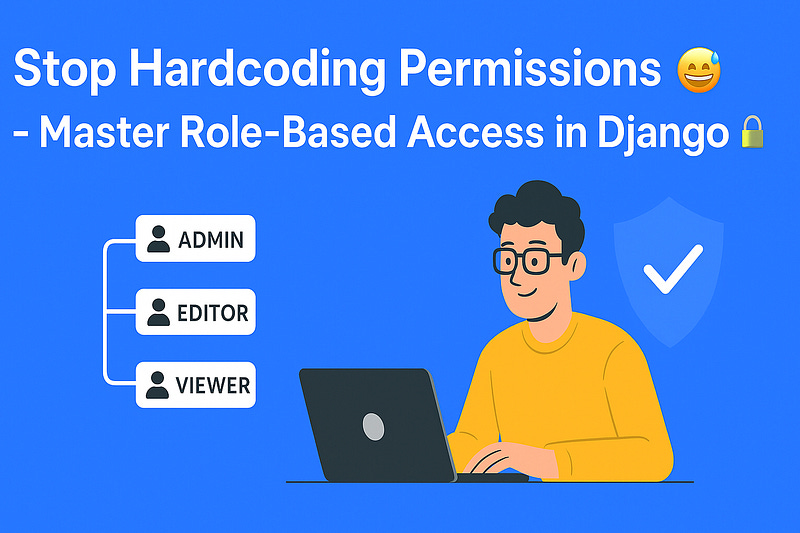
When we build Django apps, most of us focus on models, APIs, and cool features. But one day it happens (“the client says: hey, the admin can see everything but the normal user shouldn’t” 😅). That’s where Role-Based Access Control (RBAC) comes in.
Let’s break it down.
What is Role-Based Access?👥
In simple terms:
You assign roles to users (Admin, Editor, Viewer, etc.)
Each role has permissions (who can do what).
Django then checks a user’s role before allowing an action.
So instead of hardcoding “if user is admin then…”, you define a clean system that’s scalable.
Setting up Roles in Django⚙️
1. Use Django’s Built-in Group and Permission Models
Django already gives us a lot:
User model → represents each user
Groups → collection of permissions (perfect for roles)
Permissions → define what actions are allowed
2. Example: Creating Roles
from django.contrib.auth.models import Group, Permission
from django.contrib.contenttypes.models import ContentType
from myapp.models import Article

# Create groups (roles)
admin_group, created = Group.objects.get_or_create(name='Admin')
editor_group, created = Group.objects.get_or_create(name='Editor')

# Add permissions
content_type = ContentType.objects.get_for_model(Article)

# Example permissions
can_publish = Permission.objects.create(
    codename='can_publish',
    name='Can Publish Article',
    content_type=content_type,
)

# Assign permissions to roles
admin_group.permissions.add(can_publish)
editor_group.permissions.add(can_publish)
3. Assign Users to Roles
from django.contrib.auth.models import User, Group

user = User.objects.get(username='john')
editor_group = Group.objects.get(name='Editor')

# Add user to group
user.groups.add(editor_group)
4. Checking Role in Views
from django.contrib.auth.decorators import permission_required

@permission_required('myapp.can_publish', raise_exception=True)
def publish_article(request):
    # Only users with 'can_publish' permission can access
    return HttpResponse("Article Published")
Pro Tip💡
You can also use Django’s built-in @user_passes_test or custom decorators to check roles directly.
from django.contrib.auth.decorators import user_passes_test

def is_editor(user):
    return user.groups.filter(name='Editor').exists()

@user_passes_test(is_editor)
def edit_article(request):
    return HttpResponse("Editor Access Granted")
Why RBAC is Awesome🚀
Scalable → Add new roles without changing core logic
Secure → No accidental privilege leaks
Cleaner Code → No “if admin then…” scattered everywhere
Final Thoughts🎯
RBAC in Django is not rocket science ( just a little setup 😅). Once you define roles and permissions properly, your app becomes secure, organized, and future-proof.
So next time your client says: “Only admins should do this”, you can reply:
“No problem, we’ll add a role for that 🚀”
A Message from the Writer👨🏻💻
Hey, Dipak here 👋
Thanks for sticking till the end of this role-based access guide. ( must be a bit tired 😅).
If you found it helpful:
Connect with me on [LinkedIn] (always happy to talk Django & dev stuff).
Subscribe to my weekly newsletter where I share practical tips, security practices, and random dev insights 🚀.
And don’t forget to 👏 clap and follow me. Makes this whole writing thing worth it ❤️.